Mobile Apps vs. Websites: What's the Difference?
Introduction
You want to check your bank balance. Do you open an app, or visit the bank's website through your phone's browser? You want to shop online. Is it easier through a dedicated shopping app, or the retailer's website? These everyday choices reflect a distinction that is often taken for granted but is genuinely worth understanding: the difference between a mobile app and a website.
While both may look similar on the surface, and often serve overlapping purposes, they are built quite differently, function differently behind the scenes, and each carries distinct advantages and limitations. This article explores these differences clearly, along with practical guidance on when each option tends to make more sense.
What Is a Website?
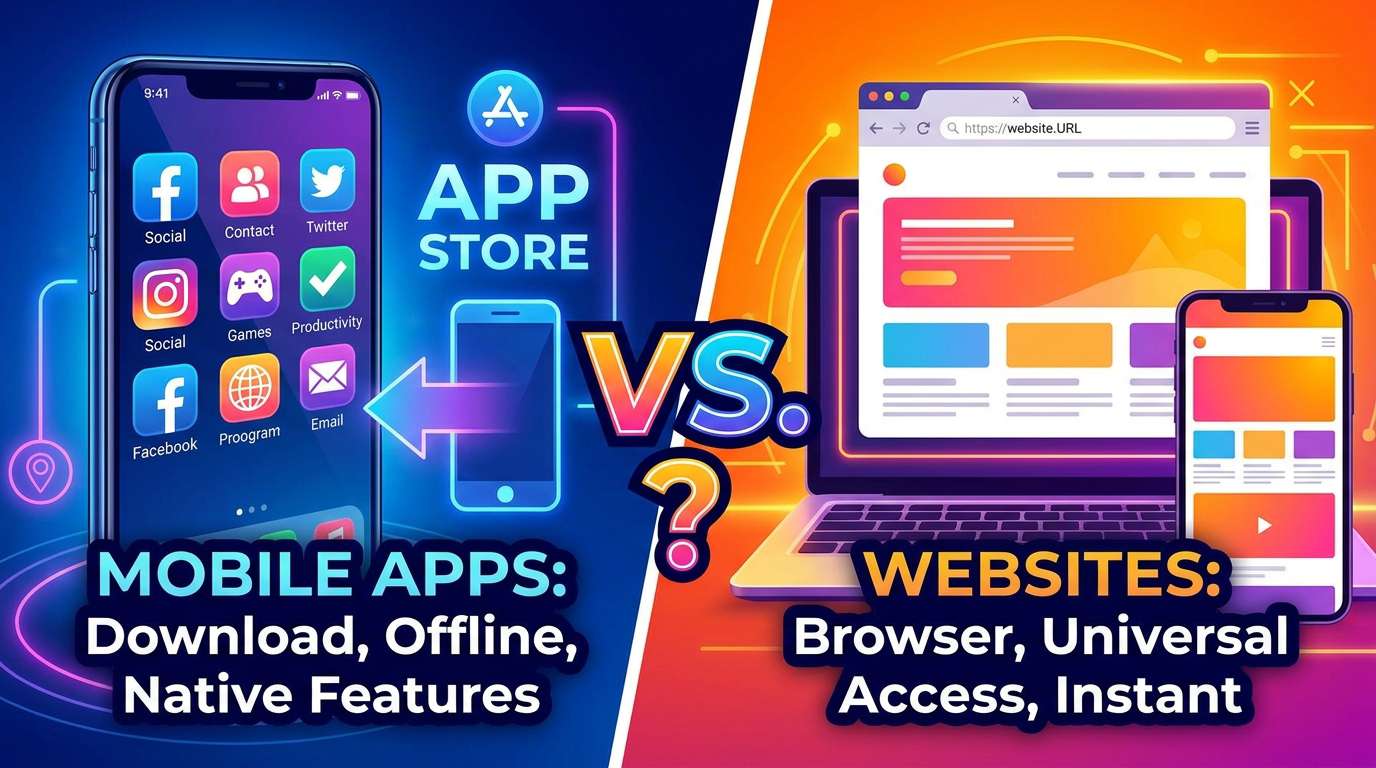
A website is a collection of related webpages, built using technologies such as HTML, CSS, and JavaScript (as discussed in the article on coding), hosted on a server and accessed through a web browser, such as Chrome, Safari, or Firefox. Websites are accessed via a URL and generally do not need to be separately downloaded or installed on a user's device.
What Is a Mobile App?
A mobile app is a software application specifically designed to be downloaded and installed directly onto a mobile device, such as a smartphone or tablet, typically through an app store such as Google Play or the Apple App Store. Once installed, an app generally resides directly on the device and can be opened by tapping its icon, without needing to type in a web address or open a browser.
Key Differences Between Mobile Apps and Websites
Installation and Access
Websites are accessed instantly through a browser by typing or navigating to a URL, with no installation required. Mobile apps must first be downloaded and installed from an app store, taking up storage space directly on the user's device.
Development and Platform Compatibility
Websites are generally built once and can typically be accessed from any device with a web browser and internet connection, including desktop computers, laptops, tablets, and smartphones, regardless of the specific operating system involved. Mobile apps, by contrast, are typically built separately for different operating systems (such as separately for Android and iOS), since each operating system has its own specific technical requirements, generally requiring greater development effort to support multiple platforms.
Offline Access
Websites generally require an active internet connection to function, since their content is retrieved from a remote server each time they are accessed. Many mobile apps, by contrast, can offer at least some functionality offline, since certain data or features can be stored directly on the device itself, rather than needing to be retrieved from the internet every single time.
Access to Device Features
Mobile apps generally have deeper, more direct access to a device's built-in hardware features, such as the camera, GPS location services, contacts, and push notifications, often allowing richer, more integrated functionality than is typically possible through a standard website accessed via a browser.
Performance and Speed
Because mobile apps are installed directly on a device and can be specifically optimized for that device's particular operating system, they often provide faster performance and a smoother user experience compared to websites, particularly for more complex or graphically intensive tasks.
Updates
Websites can be updated instantly by their developers, with changes immediately visible to all users the next time they visit the site. Mobile apps typically require users to manually download and install updates through the app store (though many devices offer automatic update options), meaning not every user may be running the very latest version of an app at any given time.
Comparing Mobile Apps and Websites
| Feature | Website | Mobile App |
|---|---|---|
| Requires installation | No | Yes |
| Works across all devices | Generally yes, via any browser | Generally requires platform-specific versions |
| Offline functionality | Usually limited or unavailable | Often available, at least partially |
| Access to device hardware | Limited | Extensive |
| Update process | Instant, automatic for all users | Requires user or automatic update through app store |
| Storage space required | None | Uses device storage |
What Is a Progressive Web App (PWA)?
A Progressive Web App (PWA) represents something of a hybrid approach, combining certain characteristics of both websites and mobile apps. A PWA is technically a website, but is built in a way that allows it to offer some app-like features, such as offline functionality and the ability to be added to a device's home screen, without requiring a traditional app store installation process.
When Does It Make More Sense to Build a Website?
- When broad accessibility across many different types of devices, without requiring installation, is a priority.
- When content needs to be updated frequently, with all users immediately seeing the latest version.
- For content-focused platforms, such as informational resources, news, or blogs, where users may only visit occasionally rather than needing frequent, deeply integrated access.
- When development resources are limited, since building a single website is often less resource-intensive than developing and maintaining separate apps for multiple platforms.
When Does It Make More Sense to Build a Mobile App?
- When deep integration with device hardware features, such as the camera, GPS, or push notifications, is essential to the core functionality.
- When offline functionality is an important requirement for users.
- When users are expected to interact with the platform very frequently, where the convenience of a dedicated home screen icon and optimized performance provides meaningful added value.
- When a smoother, more highly polished user experience is a particularly important priority for the specific use case.
Why Many Organizations Build Both
Many organizations, including banks, retailers, and educational platforms, ultimately choose to build and maintain both a website and a mobile app, recognizing that each option serves somewhat different user needs and contexts. A website offers broad, immediate accessibility for occasional or first-time users, while a dedicated app can offer a more optimized, feature-rich experience for regular, engaged users.
Mobile Apps vs. Websites and WAEC/JAMB Technology
Key examinable areas of this topic include:
- The definitions of websites and mobile apps, and how each is accessed.
- Key differences, including installation, platform compatibility, offline access, and access to device features.
- The concept of a Progressive Web App (PWA) as a hybrid approach.
- Factors influencing the choice between building a website or a mobile app for a particular purpose.
Common Mistakes Students Make
- Assuming apps and websites are built using entirely unrelated technologies. While there are important differences, some of the same underlying web technologies, such as JavaScript, can be used in both contexts, particularly for certain types of apps.
- Believing websites can never work offline at all. While generally limited, some websites, particularly Progressive Web Apps, can offer certain offline functionality.
- Assuming a mobile app automatically provides a better experience than a website in every case. The better choice genuinely depends on the specific use case, priorities, and available development resources.
- Overlooking the platform compatibility challenge mobile apps face, assuming a single app version automatically works identically across all devices and operating systems.
- Confusing a mobile-friendly website (one simply designed to display well on a phone's browser) with an actual installed mobile app. These are genuinely different things, even though a well-designed mobile website can sometimes closely resemble an app in appearance.
Conclusion
While mobile apps and websites can often appear quite similar to an everyday user, they differ significantly in how they are built, accessed, and experienced — from installation requirements and platform compatibility, to offline functionality and access to a device's underlying hardware features. Understanding these differences offers valuable insight into the practical trade-offs organizations weigh when deciding how to best reach and serve their users.
As mobile devices continue to dominate how most people access the internet, particularly across Nigeria, understanding the genuine distinctions — and overlaps — between these two important digital formats provides students with a clearer, more technically grounded understanding of the digital tools they rely on every day.